Start clients consistently
Create an intake task, request a questionnaire, and leave a note on the client file. Build a process your team can use again.
Explore the client portalTurn your office’s repeatable steps into a connected workflow. Collect documents, create tasks, prepare follow-ups, and keep the next step clear for every client.
7-day trial · No credit card required
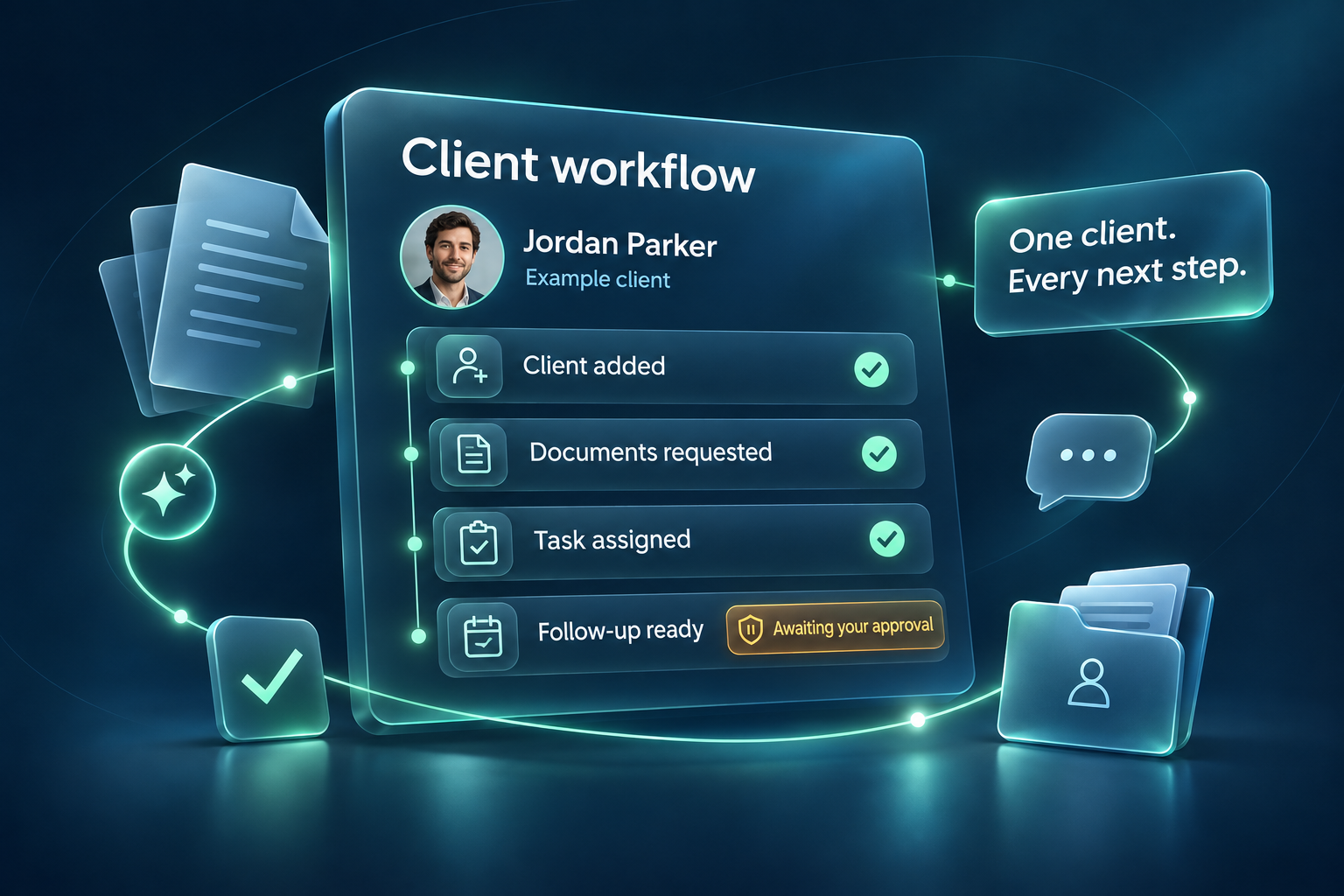
Carry client context through connected steps.
Set the sequence, timing, and responsibilities.
Choose approval settings before publishing.
Explore three example workflows. See what TAAX handles and what your team reviews along the way.
Create an intake task, request a questionnaire, and leave a note on the client file. Build a process your team can use again.
Explore the client portalChoose document types and prepare a secure upload invitation. Add wait steps and follow-ups to your configured sequence.
Explore Document ManagerCreate office tasks with due dates and assignees. Keep handoffs connected to the client and review workflow run history.
Explore team toolsType or speak what you want to happen. TAAX AI prepares a workflow draft using connected actions, so you can review the steps, adjust the details, and publish when you’re ready.
Keep the conversation going to refine a task, change a waiting period, or add the next step.
“When a new client is added, create an intake review task due in two days, wait three days, then request their W-2 and 1099-NEC. Pause for approval before sending.”Start your free trial
Start your free 7-day trial. No credit card required. Create your account, then describe your workflow to TAAX AI.
Use Approve writes to send messages, tasks, and other changes to Approval Center first.
Configure auto-run for a published workflow, or add approval points where your staff should check.
Review runs and results to see which steps completed and where attention is needed.
Approval decisions stay with your office. Publishing enables the configured process; a draft alone does not run it.
Start from an available template, add actions in the builder, or describe the process to TAAX AI. Review the trigger, timing, client details, and approval settings before publishing.
No. A workflow request prepares a draft for review. You choose when to save and publish it. In Approve writes mode, important actions wait in Approval Center before running.
A published workflow can respond to its configured events for different clients. Client details come from the triggering event or the client selected in a step. Access and actions follow your office permissions and connected tools.
AI assistance, workflow drafting, and AI-powered actions can use credits. A saved delay or an already-written template message does not itself use AI credits. Messaging allowances, provider charges, and plan limits may still apply. Review your workspace’s current usage and tool availability.
Explore the workspace, build your first workflow, and give your team a clearer way to move client work forward.
7-day trial · No credit card required · No automatic paid upgrade